Android secret codes for IMEI, screen, and battery
These are the Android dialer codes that a GSM standard, Android's own dialer, or a vendor support page actually agrees on. Paths in Settings are included because many phones block the older test menus. Factory-reset and wipe codes are not listed.
Codes that check out
| Code | What it does | Which phones |
|---|---|---|
*#06# |
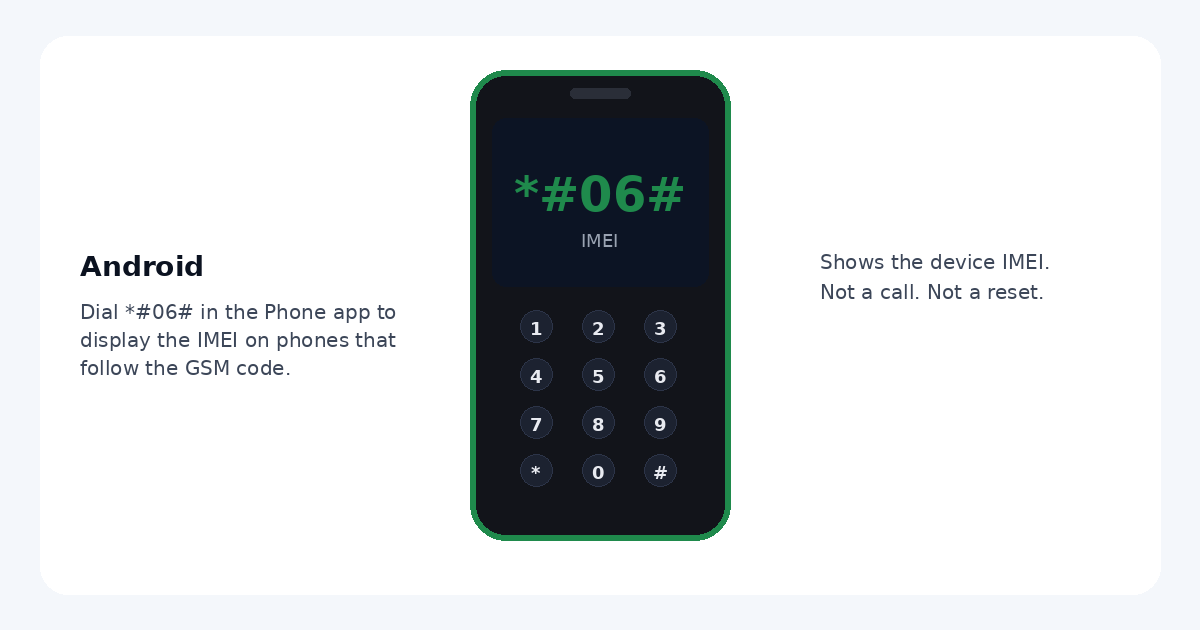
Shows the IMEI. A CDMA-style device can show the MEID instead. Dual-SIM phones can list more than one IMEI. You normally do not press call. | GSM and Android phones that implement the standard. Samsung's support page documents *#06# when the carrier allows it. Pixel help points to Settings, and Android's dialer still treats this as the IMEI display. |
*#*#4636#*#* |
Opens the Android testing menu: phone information, battery information, usage statistics, and Wi-Fi information. Do not change preferred network type. That can knock the phone off the network. | Many Pixel and near-stock Android phones. Often blocked. A July 2025 test worked on a Pixel 8 (Android 15) and not on a Galaxy A25 or Galaxy S25+. Samsung's own dialer blocks it on a lot of current Galaxy phones. |
*#0*# |
Samsung hardware test. Red, green, and blue screens help you look for stuck pixels. Touch is a grid you drag across. | Samsung Galaxy only. Some carriers disable it. If it does nothing, use Samsung Members diagnostics instead of hunting for another code. |
Find the IMEI in Settings
- Open Settings and tap About phone. On some phones the label is About device.
- Read IMEI. A dual-SIM phone may show IMEI (SIM slot 1) and IMEI (SIM slot 2), plus an EID for an eSIM.
- If that menu is hard to find, the same number is on the original box and, on many phones, the SIM tray. Google's Pixel instructions are Settings, About phone, then IMEI. Samsung's are Settings, then About phone or About tablet, with *#06# as the keypad alternative.
Screen check
There is no single Android dialer code for dead pixels on every brand.
- Samsung Galaxy: try
*#0*#, then Red, Green, Blue, and Touch. Samsung's own touchscreen article uses Samsung Members, Support, Phone diagnostics, then Touch screen. Fill the empty areas and read the result. - Pixel and other Android phones: Google does not publish a public dialer code for a dead-pixel test. Put a full-screen solid white, black, red, green, and blue image on the display and look for a dot that stays the wrong color. Drag a finger across a drawing app to feel for dead touch zones.
Battery and About phone
Open Settings, then Battery, for usage since the last charge. Android does not have one battery-health screen that every brand shares, and this page does not add a battery service code. Software version and model stay under About phone.
Some unpublished service codes erase the phone or switch the radio into a service mode. We do not publish factory-reset or wipe codes. *#06# only shows an identifier. If a menu offers Erase, Reset, or Factory, back out.
How to see your IMEI
- Open the Phone app and switch to the keypad.
- Type *#06#. On most phones the IMEI appears immediately. Do not press call unless nothing happens, and do not add extra digits.
- If the code does nothing, open Settings, tap About phone, and read IMEI there.
Codes left out on purpose
Community lists also mention Samsung service, USB, software, and battery strings, and generic wipe codes. Those were not published here. They are either missing from the manufacturer support pages we checked, or they can change how the phone connects, or they can erase it. Engineering menus that rewrite the network type are omitted for the same reason.
Looking for iPhone instead? Use the iPhone IMEI and field test page.
Sources checked
- 3GPP TS 22.030 (ETSI publication), the MMI specification that defines *#06# for IMEI display.
- Samsung support: model, serial, and IMEI, including dial *#06# when the carrier supports it.
- Samsung support: touchscreen diagnostics in Samsung Members.
- Google Pixel help: find IMEI under About phone.
- Android Open Source Project dialer: *#06# is the IMEI/MEID display, and *#*#4636#*#* is the secret code that opens testing settings. Many OEM builds remove or block that menu.
Checked 4 October 2026. A code can still fail on a carrier build even when the standard includes it.
Questions
What does *#06# do on Android?
Typing *#06# in the Phone app shows the IMEI. 3GPP TS 22.030 defines this sequence so a GSM phone displays its IMEI, and Android's dialer uses it for IMEI on GSM devices and MEID on CDMA devices. A dual-SIM phone can show more than one number. You normally do not press the call button.
Does *#*#4636#*#* work on every Android phone?
No. It is the Android testing menu from AOSP: phone information, battery information, usage statistics, and Wi-Fi information. Many phones block it. A July 2025 test opened it on a Pixel 8 running Android 15 and did not open it on a Galaxy A25 or Galaxy S25+. If it does nothing, use Settings. Do not change the network type inside that menu.
How do I test a Samsung screen for dead pixels and touch?
On a Samsung Galaxy phone, dial *#0*# in the Phone app. If the hardware test opens, use the red, green, and blue screens to look for a dot that stays the wrong color, then open Touch and drag across the grid. Some carriers disable this code. Samsung's support article tells you to use Samsung Members, then Support, Phone diagnostics, and Touch screen.
Where is battery and phone information without a secret code?
Open Settings and tap Battery for usage. The name of any battery-health screen differs by brand, so this page does not add a battery dialer code. Model, software version, and IMEI are under About phone. On a Pixel, Google's help page says to tap About phone and find IMEI.
Can these codes factory-reset my phone?
*#06# only displays an identifier. The testing menu and the Samsung display test are for information and hardware checks. Other service codes can erase a phone or change the radio. This page does not publish factory-reset or wipe codes. If a screen offers Erase, Reset, or Factory, leave it.
Why does a code work on one Android phone and not another?
Makers and carriers can remove dialer codes. *#06# is the widely implemented IMEI display. *#*#4636#*#* is common on Pixel and other near-stock Android phones and is often blocked on Samsung. *#0*# is Samsung Galaxy only.